
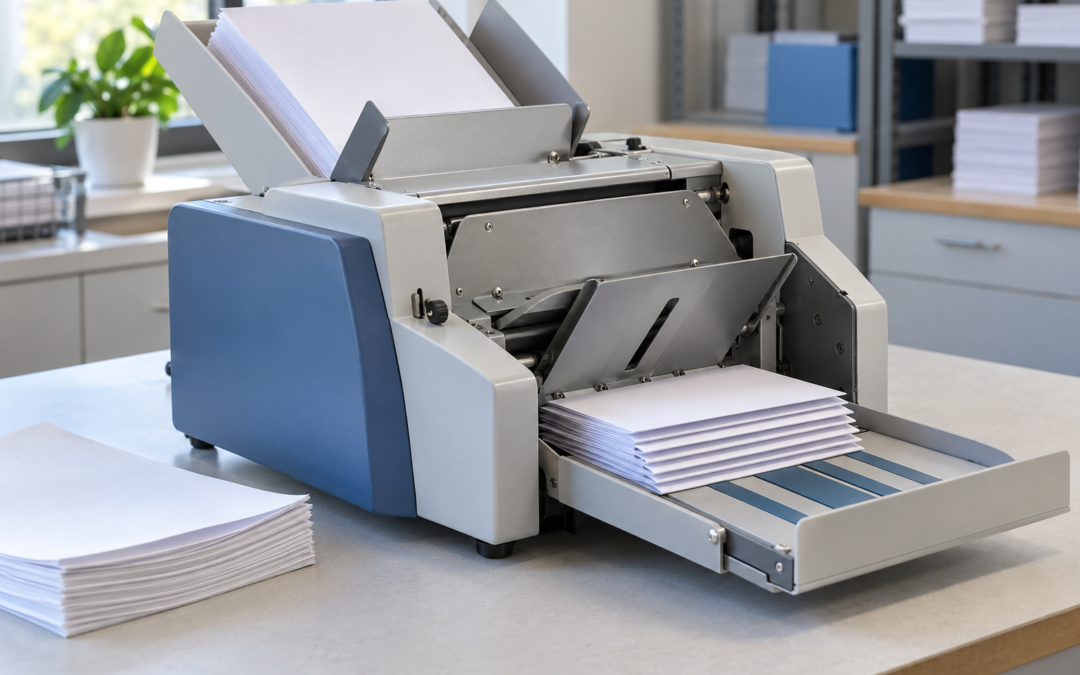
A folding machine can make light work of invoices, statements and marketing letters. But when sheets stop feeding properly, even a small interruption can hold up an entire mailing run.
Before assuming the machine needs replacing, check the paper, loading and setup. The right adjustment may help restore a smooth workflow.
1. The paper does not suit the machine
Paper folders have limits for sheet size, weight and material type. Paper outside those specifications may feed poorly or fail to fold correctly.
Glossy stock deserves particular attention. A machine that handles standard office paper may not be suitable for coated brochures.
FP Mail offers different folding machines for different applications, including models intended for glossy paper and higher volumes. Matching the machine to your actual documents matters.
2. The stack is poorly prepared
Bent corners, uneven edges and damaged sheets can interfere with feeding. Check the stack before loading and remove unsuitable pages.
Use paper that has been stored flat and kept dry. Follow the machine’s instructions for preparing and loading the stack, including any guidance about freshly printed sheets.
A short trial run is useful when changing paper stock.
3. The guides or feed settings need adjustment
Paper needs to enter the machine squarely. Incorrect guide positions can allow sheets to travel at an angle or restrict their movement.
Feed adjustments also vary between machines and paper types. Use the manufacturer’s setup procedure rather than repeatedly changing settings without checking the result.
Manufacturer troubleshooting guidance identifies paper guides, feed adjustments and folding roller condition as relevant checks when feeding or folding problems occur.
4. The folding setup is incorrect
When changing between jobs, confirm that the fold settings match the paper size and required fold.
Run a few sheets first. Check the fold position, alignment and finished document before loading the full batch. This also helps catch a setup error before it affects hundreds of pages.
5. Cleaning or servicing is overdue
Paper dust and residue can build up on feeding components. Follow the cleaning schedule and use only products approved for your machine.
If a jam occurs, stop the machine and follow its specified clearing procedure. Switch off and disconnect power before manually accessing jammed paper where the manual requires it. Never reach into moving rollers.
Make reliable folding part of your routine
Good paper preparation, correct setup and regular maintenance help reduce avoidable interruptions. Persistent problems deserve a service assessment, particularly if the same fault returns after basic checks.
For help choosing a folding machine or discussing service support, contact FP Mail on 1300 943 274 or email in**@********om.au.